 VIN
← Back to the broker workspace
How drivers update your brokerage
Alex Morgan’s Chicago–Milwaukee run in VINHaul Driver · Sample VH–2048
-
Start the assignment
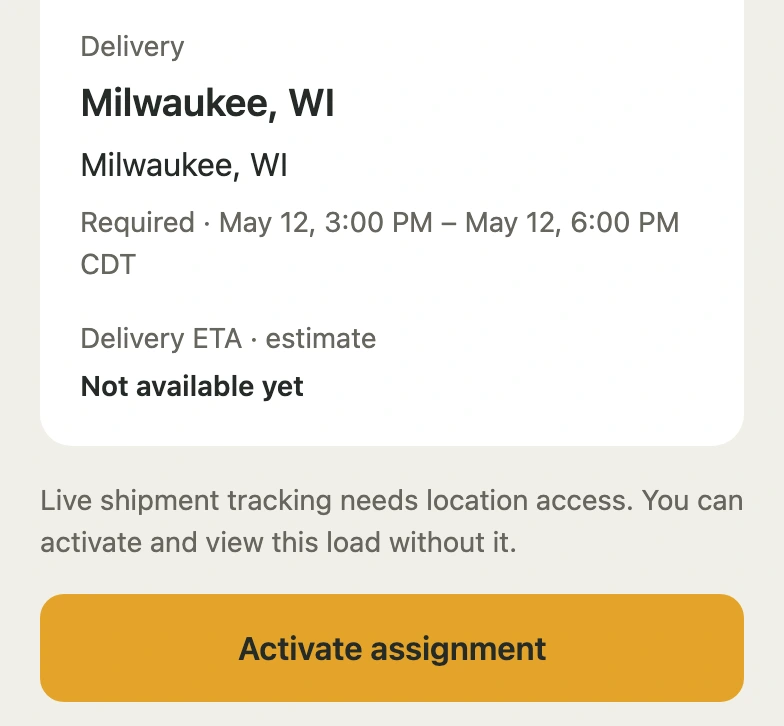
Alex opens the assigned Camry and taps Activate assignment. Turning on background location lets dispatch receive GPS updates. Alex can activate the load with location sharing off.
-
Update the broker
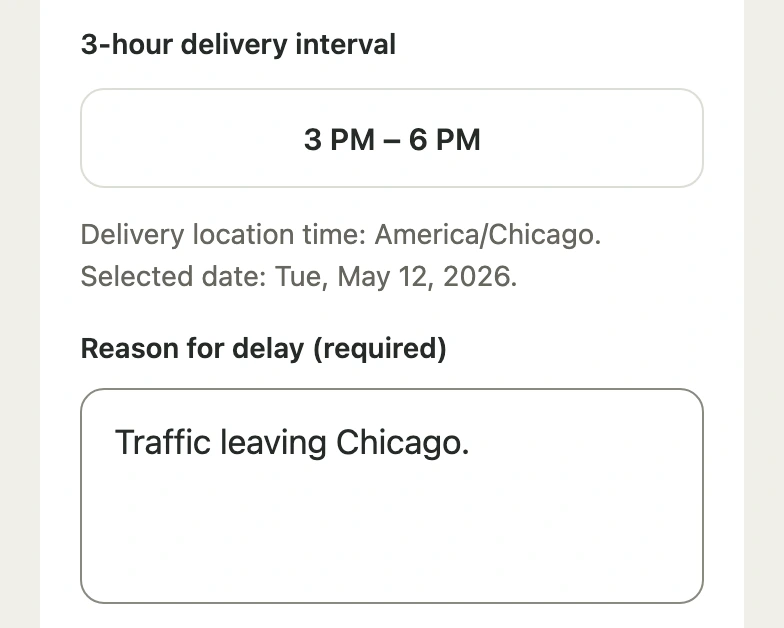
At 2:24 pm CT, Alex messages the broker to confirm pickup in Chicago. To update the ETA, Alex selects the 3–6 pm Milwaukee delivery window and gives dispatch a reason.
-
Record the handoff
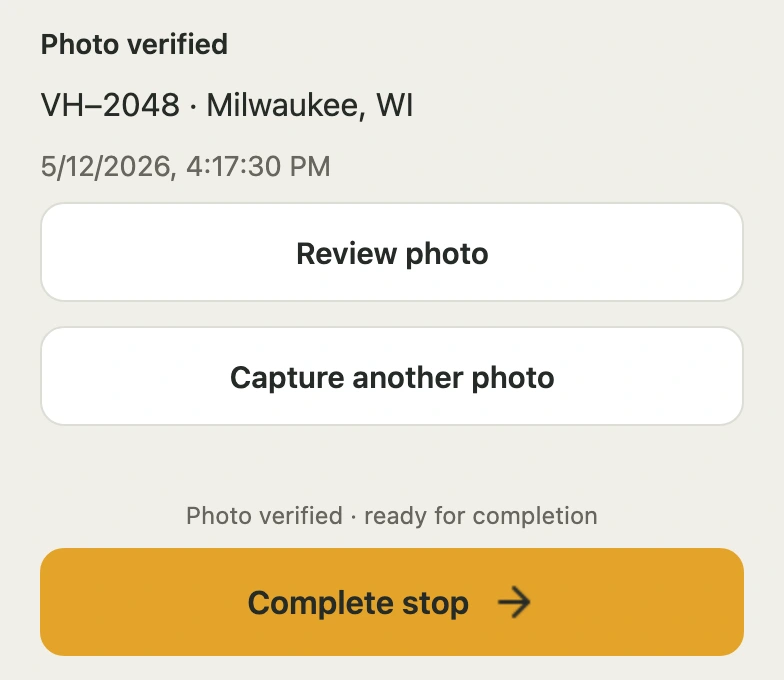
In Milwaukee, Alex records arrival, takes the front and rear photos, and taps Complete stop. Once delivery is confirmed, the broker can open the photos on the completed move.